Keep the whole match in frame
Record continuously from the sideline while FutReplay keeps recent moments ready.

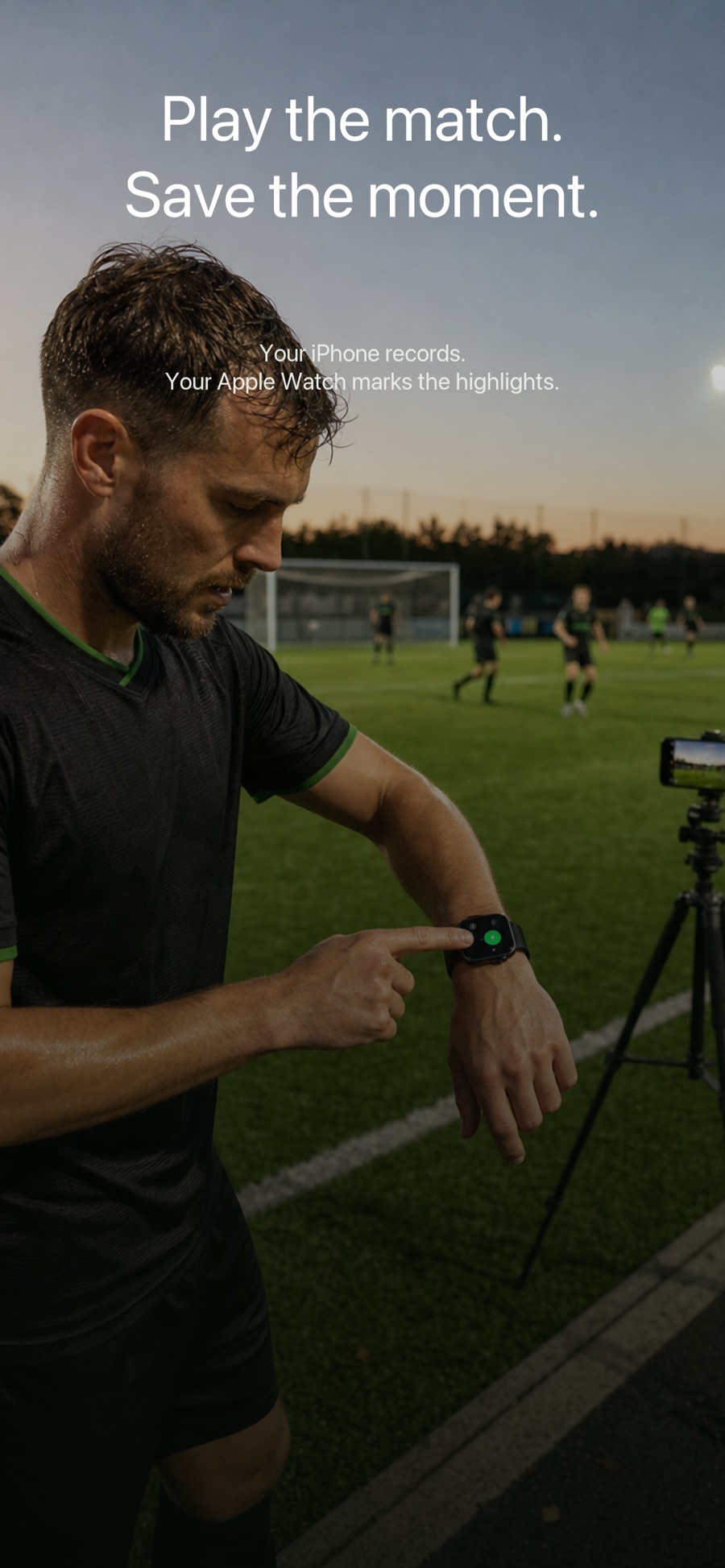
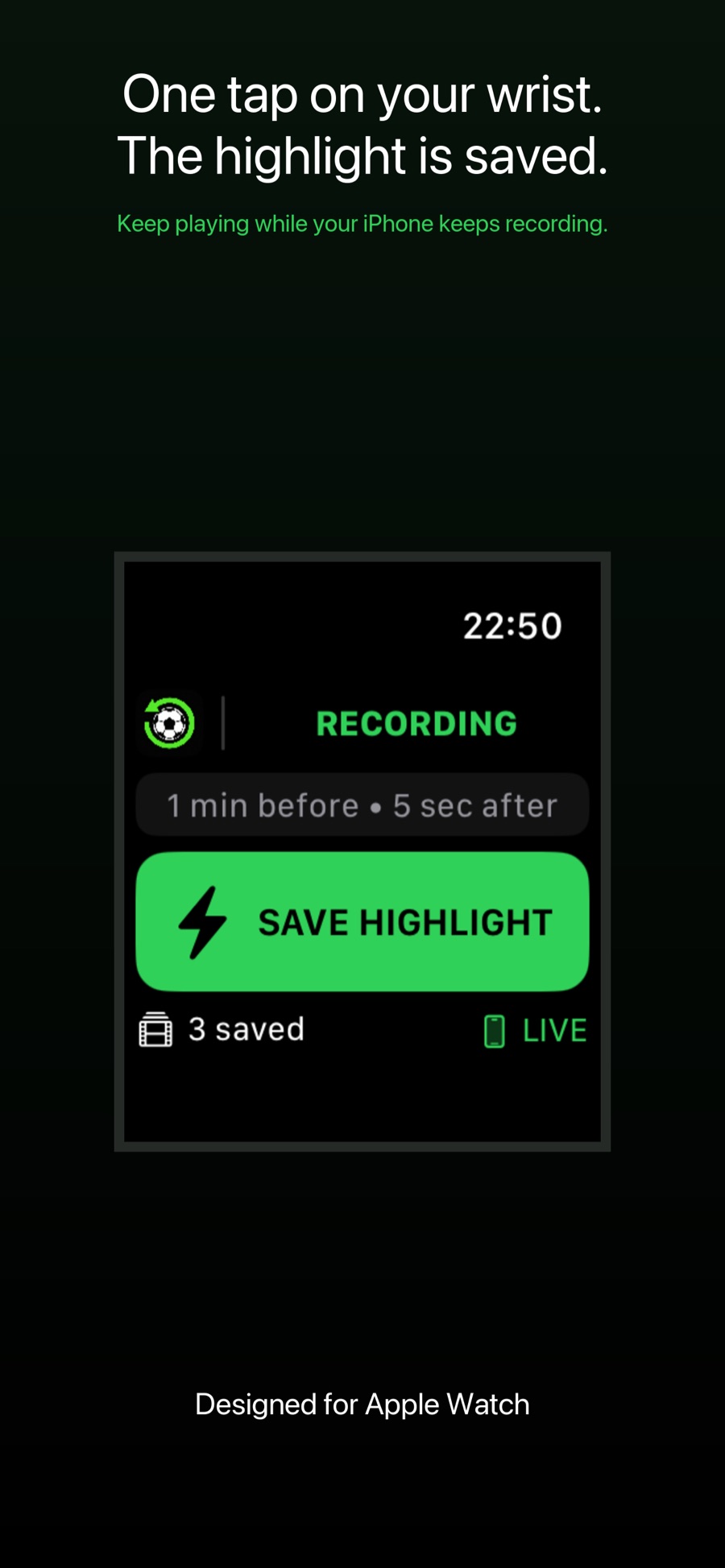
Leave your iPhone recording from the sideline. When the action happens, save the highlight from your Apple Watch—without leaving the field.
US$4.99 · One-time purchase · No subscription
 Tap from Apple Watch
Record continuously from the sideline while FutReplay keeps recent moments ready.
Mark a play from your iPhone or Apple Watch, even without a Wi-Fi network at the field.
Choose how much time to include before and after each tap, then export the highlights you want.
FutReplay keeps a rolling buffer on your iPhone. Tap your wrist after a goal, save the seconds before and after it, and review every highlight in one private, organized library.
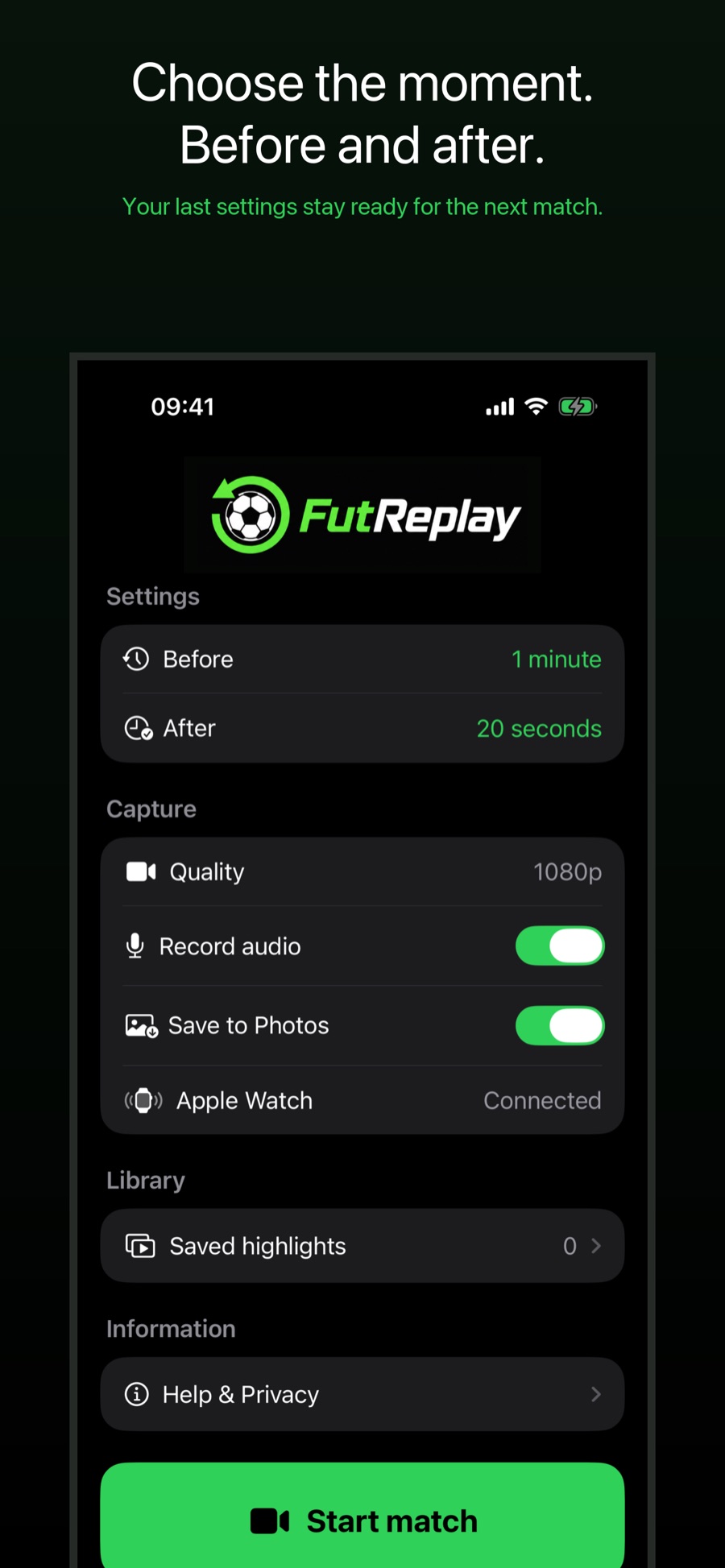
Set your replay window, start the match, and play. FutReplay is built to do one job without ads, feeds, or cloud uploads getting in the way.
FutReplay does not require an account and does not upload your videos to a FutReplay server. You decide when to save to Photos, export, or share.
Read our privacy policyNo field Wi-Fi network is required. Keep Bluetooth and Wi-Fi enabled on both devices so Apple Watch and iPhone can use the connections available to them.
No. Highlights remain in the app on your iPhone unless you choose to save, export, or share them.
Yes. Highlights can be marked from the recording controls on iPhone or remotely from Apple Watch.
Workout can be configured to return automatically during an active session. On Apple Watch, open Settings > General > Return to Clock > Workout and turn off Return to App. See the support page for the complete setup.
FutReplay keeps a rolling buffer. You choose how much of the action before and after the tap belongs in the saved highlight.